How to use 4D skins in MB Loader
Before I start I want to say that,
- The name ‘4D/5D skins’ is so misleading. At best you can call it custom model/geometry skin.
- 🟥 I ASSUME you can modify files in
Android/data/io.bambosan.mbloader. If you don’t, you may be able to do that with Shizuku and a compatible file manager. But that’s for you to figure out. - I also assume you have enough braincells to read and understand
- Technically you can skip to step X if you have root/have access to internal data
- Theoretically, this guide should work for any case and is not limited to MB Loader (if you know what you’re doing)
In this guide we are going to use Alleis Skin Pack by RaiseAlleiseReraise
- Open MB Loader -> Settings and set ‘Force game data location’ to External
- Start the game, login with your Microsoft Account
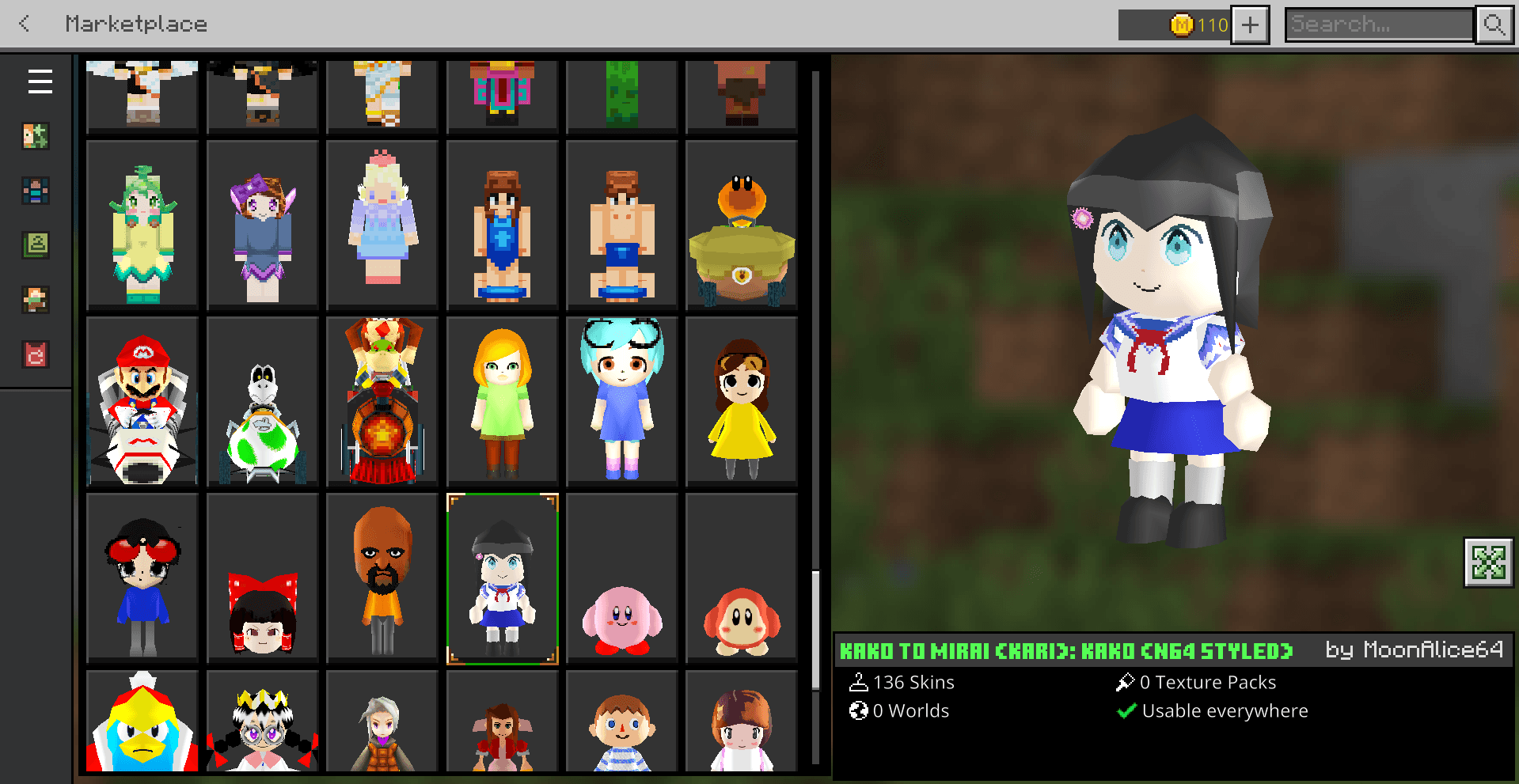
- Get Cute Kitty HD Skin Pack from Marketplace. It’s free.
Note that this step may vary depending on the 4D skin pack you’re getting - When it is downloaded, close the game
- Open your file manager and go to
Android/data/io.bambosan.mbloader/premium_cache - Find the folder that contains the skin pack you just downloaded.
- Delete all content inside and replace with the files from Alleis Skin Pack or the one you’re intending to use (hint: make sure directory structure is the same)
- Open the game and new skins should be visible
This post is licensed under CC BY 4.0 by the author.